React Error Boundaries
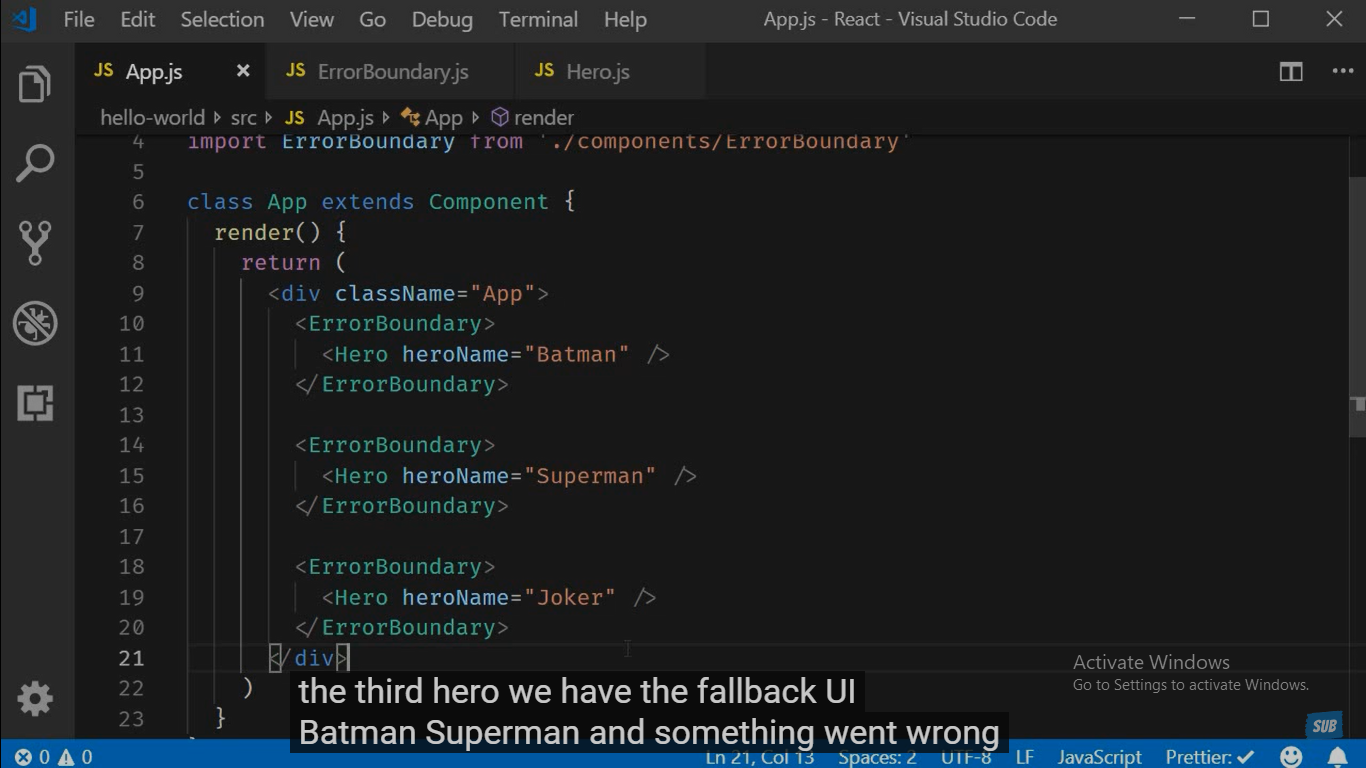
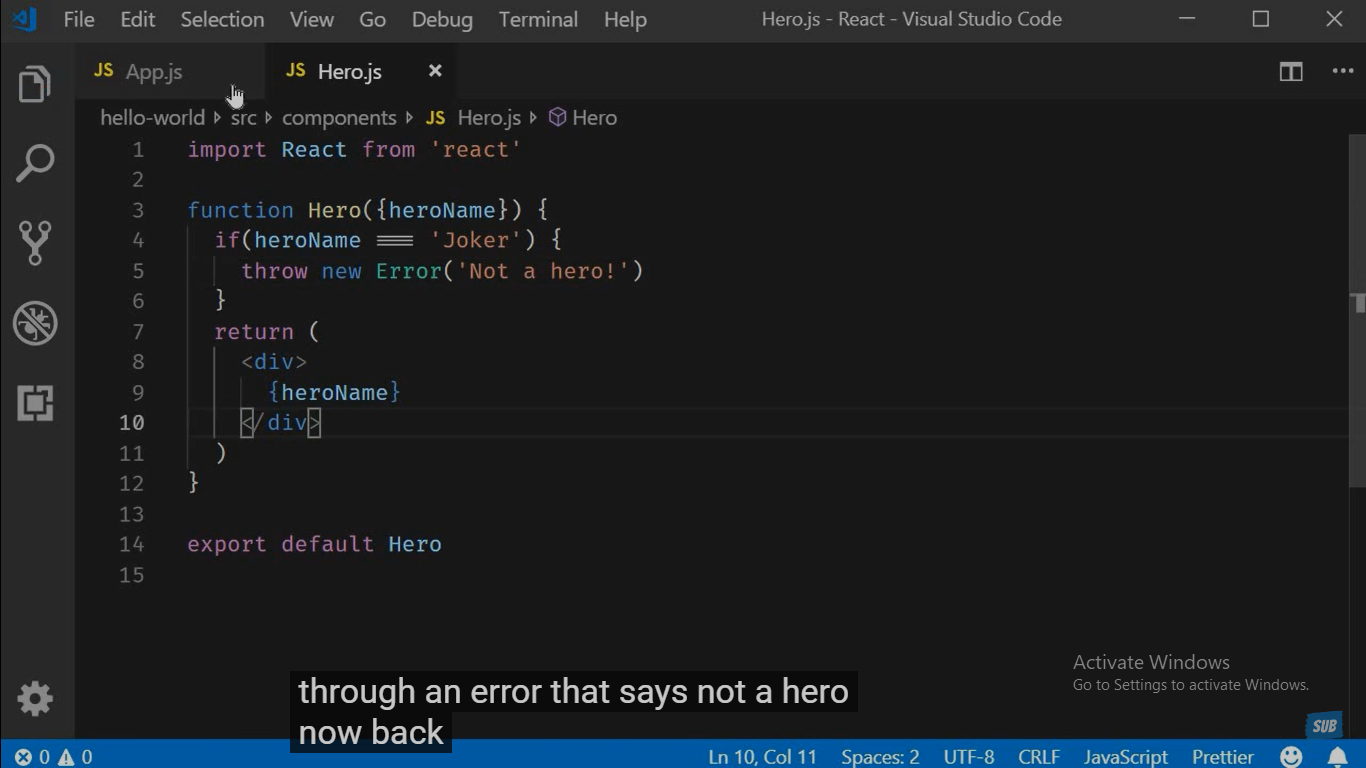
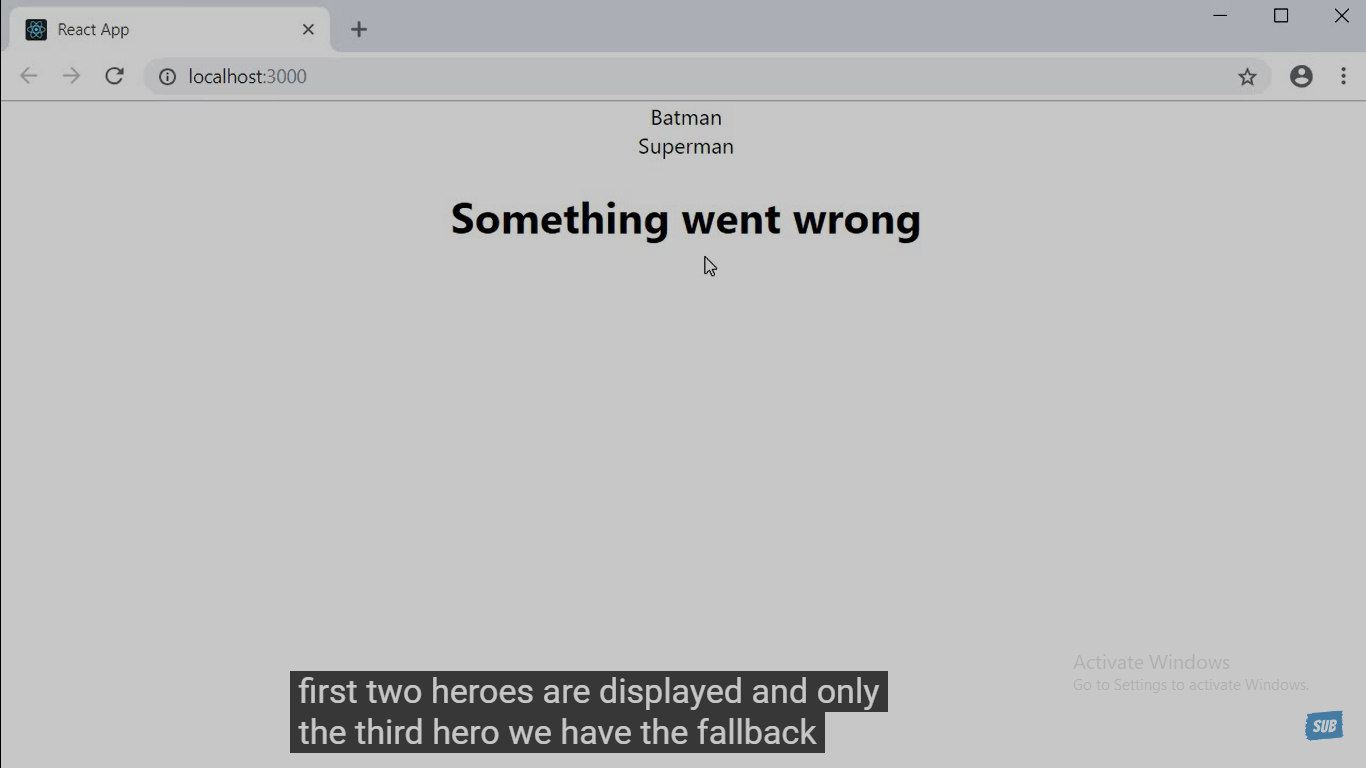
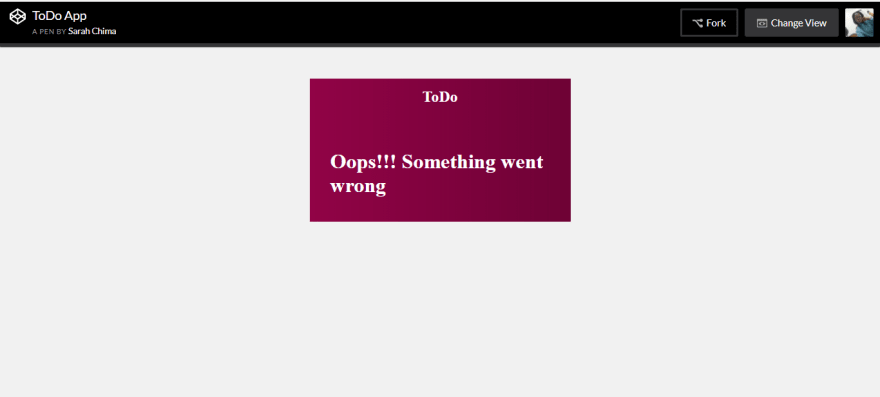
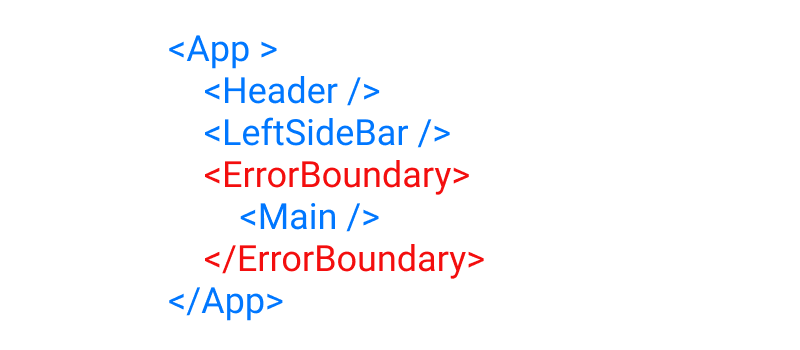
Error boundaries catch the error and display a fallback UI which par example a text "Something went wrong".
For error boundaries, if you add them, you need class-based components. This is currently not possible with functional components.
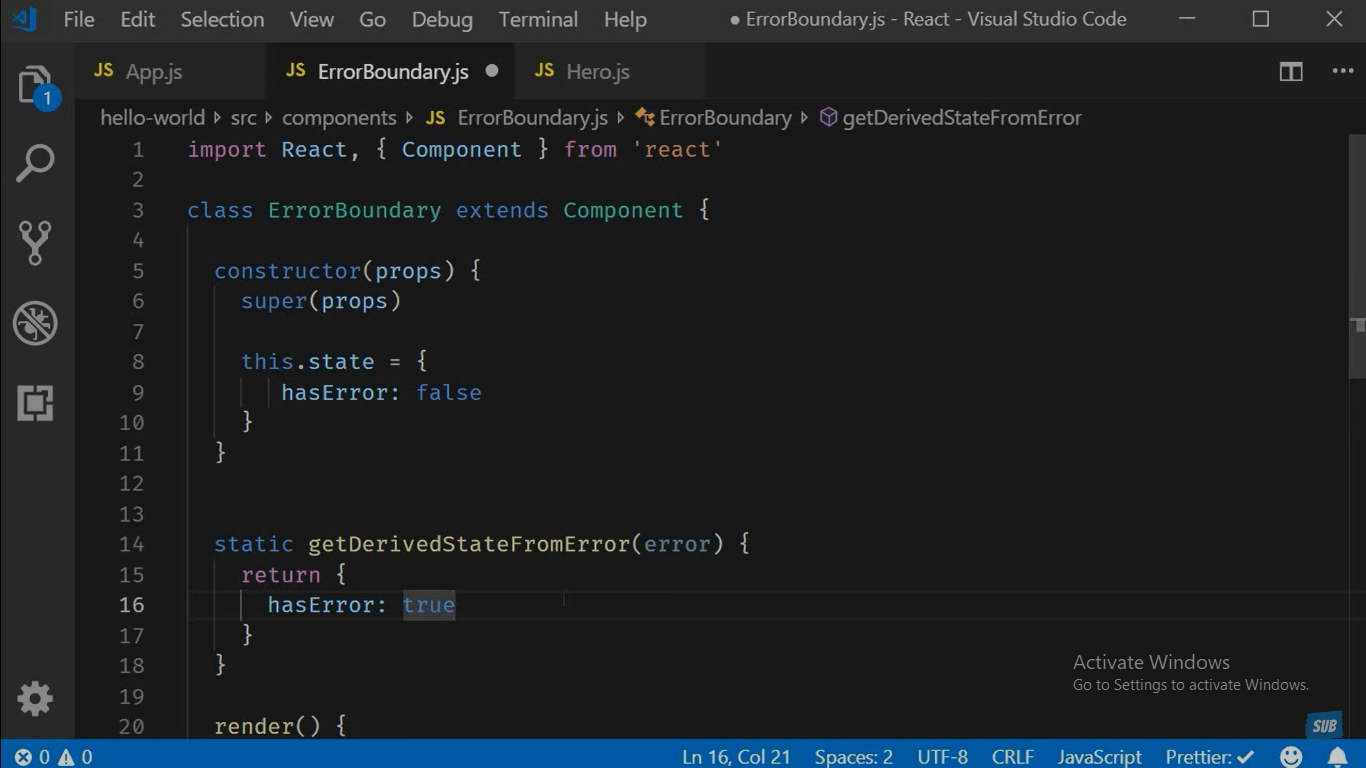
code: ErrorBoundary.js
import React, { Component } from 'react'

export class ErrorBoundary extends Component {
    //rconst
    constructor() {
        super();
        this.state = { hasError: false };
    }

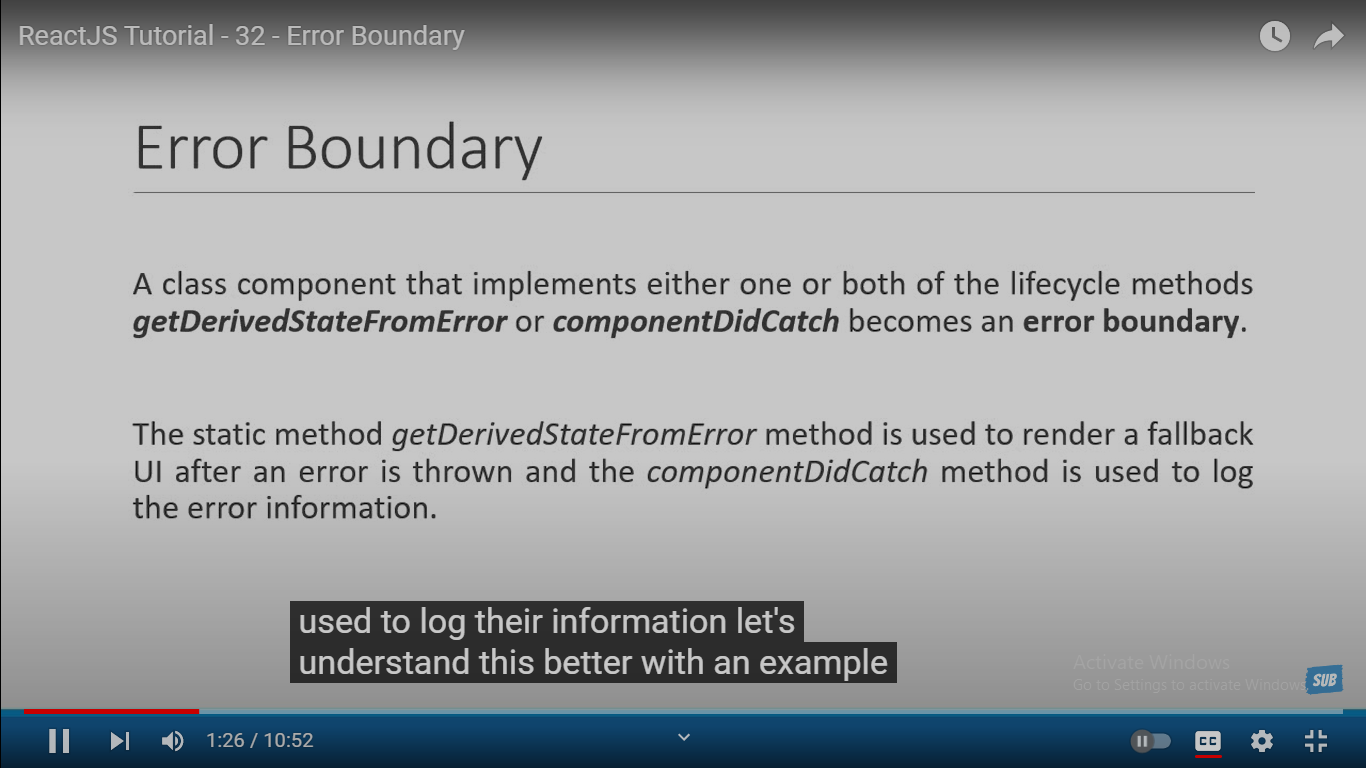
    componentDidCatch(error) {
        console.log(error);
        this.setState({ hasError: true })
    }


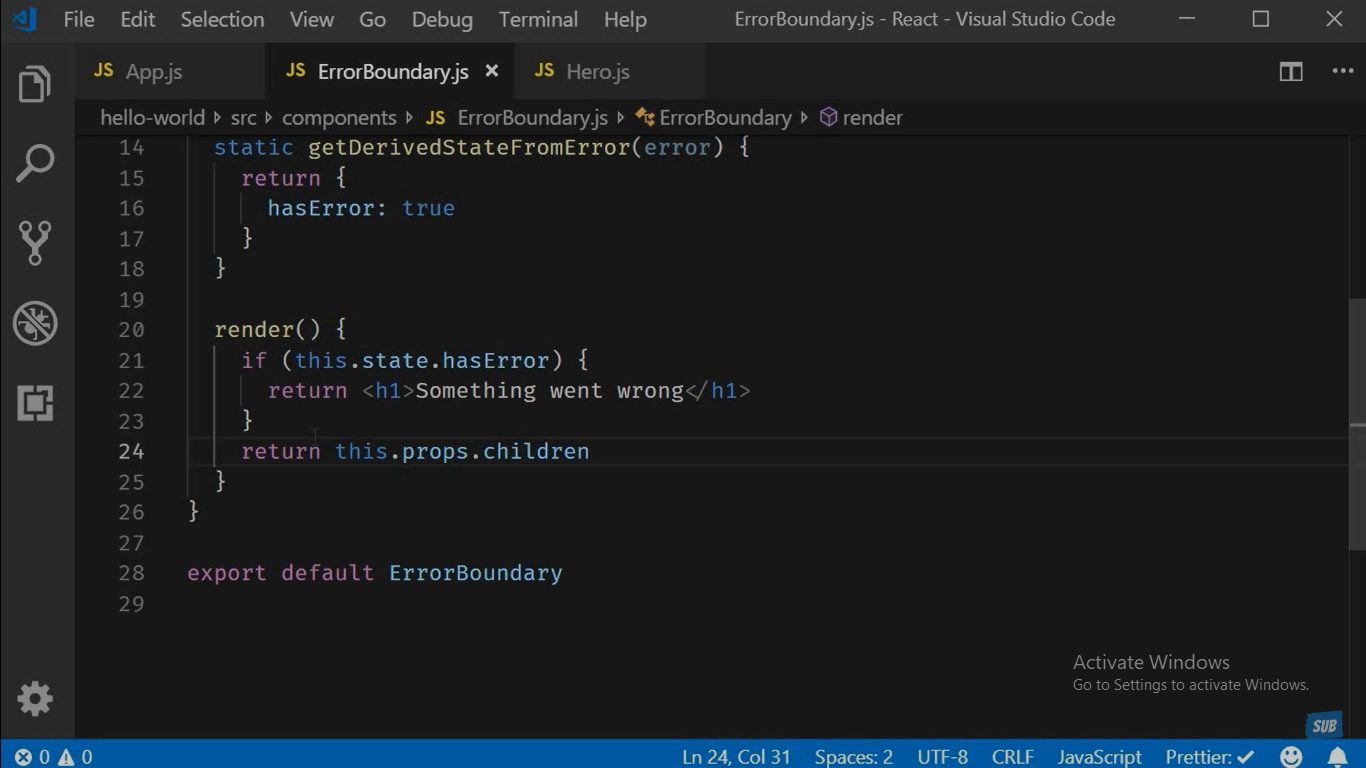
    render() {
        if (this.state.hasError) {
            return <p>Something went wrong</p>
        }
        return this.props.children;
    }
}

export default ErrorBoundary
Users.js:
import { Component } from 'react';
import User from './User';
import classes from './Users.module.css';


class Users extends Component {

  constructor(props) {
    super(props);
    this.state = {
      showUsers: true,
    };
  }


  componentDidUpdate() {
    if (this.props.users.length === 0) {
      throw new Error('No users provided!');
    }
  }


    return (
      <div className={classes.users} >
        <button onClick={this.toggleUsersHandler.bind(this)}>
         Users
        </button>

      </div >
    );

  }
}


export default Users;
UserFinder.js:
import { Fragment, Component } from 'react';
import classes from './UserFinder.module.css'
import Users from './Users';
import UsersContext from '../store/users-context';
import ErrorBoundary from './ErrorBoundary';

class UserFinder extends Component {


    static contextType = UsersContext;

    constructor(props) {
        super(props);
        this.state = {
            filteredUsers: [],
            searchTerm: ''
        }

    }


    render() {
        return (
            <Fragment>
                <ErrorBoundary>
                    <Users users={this.state.filteredUsers} />
                </ErrorBoundary>
            </Fragment>
        );
    }
}

export default UserFinder;
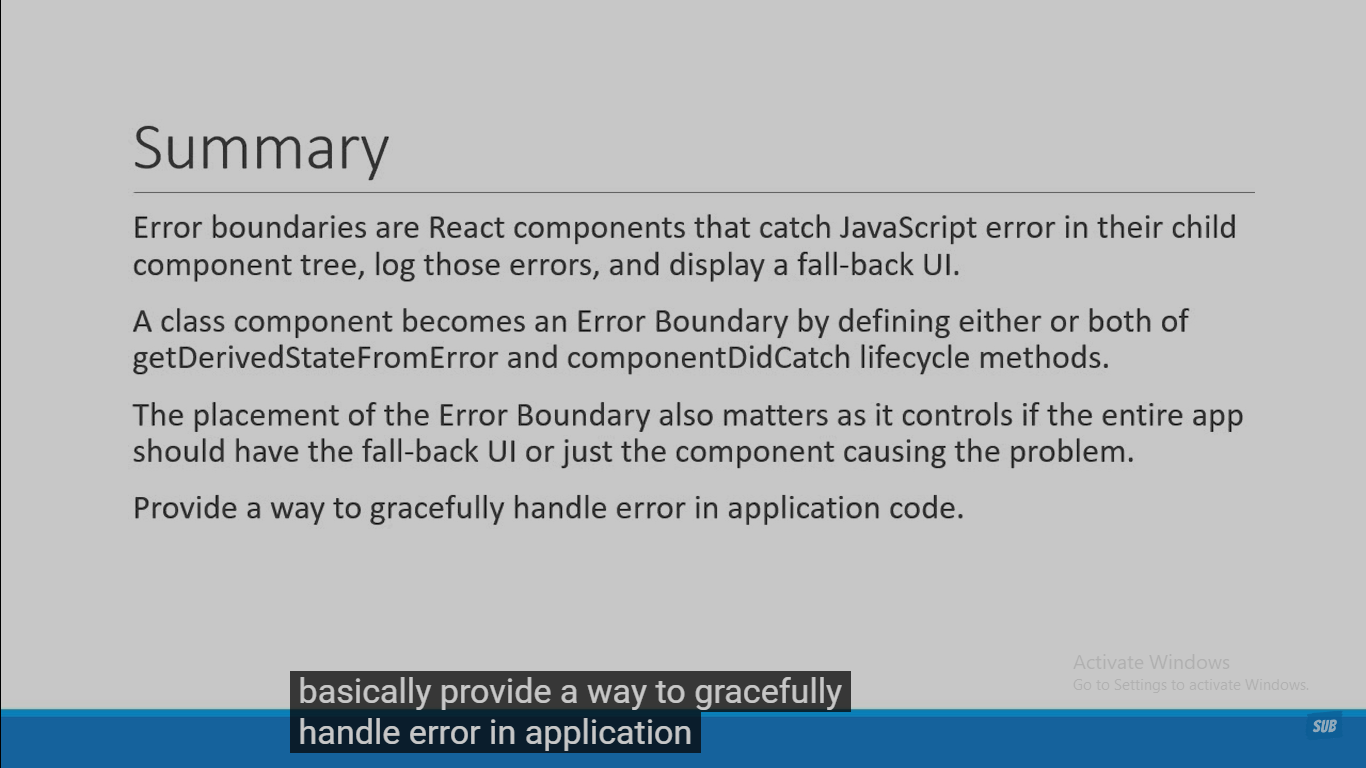
Error boundaries are React components that catch JavaScript errors anywhere in their child component tree, log those errors, and display a fallback UI instead of the component tree that crashed. Error boundaries catch errors during rendering, in lifecycle methods, and in constructors of the whole tree below them.